Resources
A list of stuff we’ll be using throughout the course.
Be sure to install + test these before you arrive in class.
For all software below, be sure sure to choose the version that matches your computer’s operating system (e.g., Windows, macOS, Linux, etc.).
SPEAR
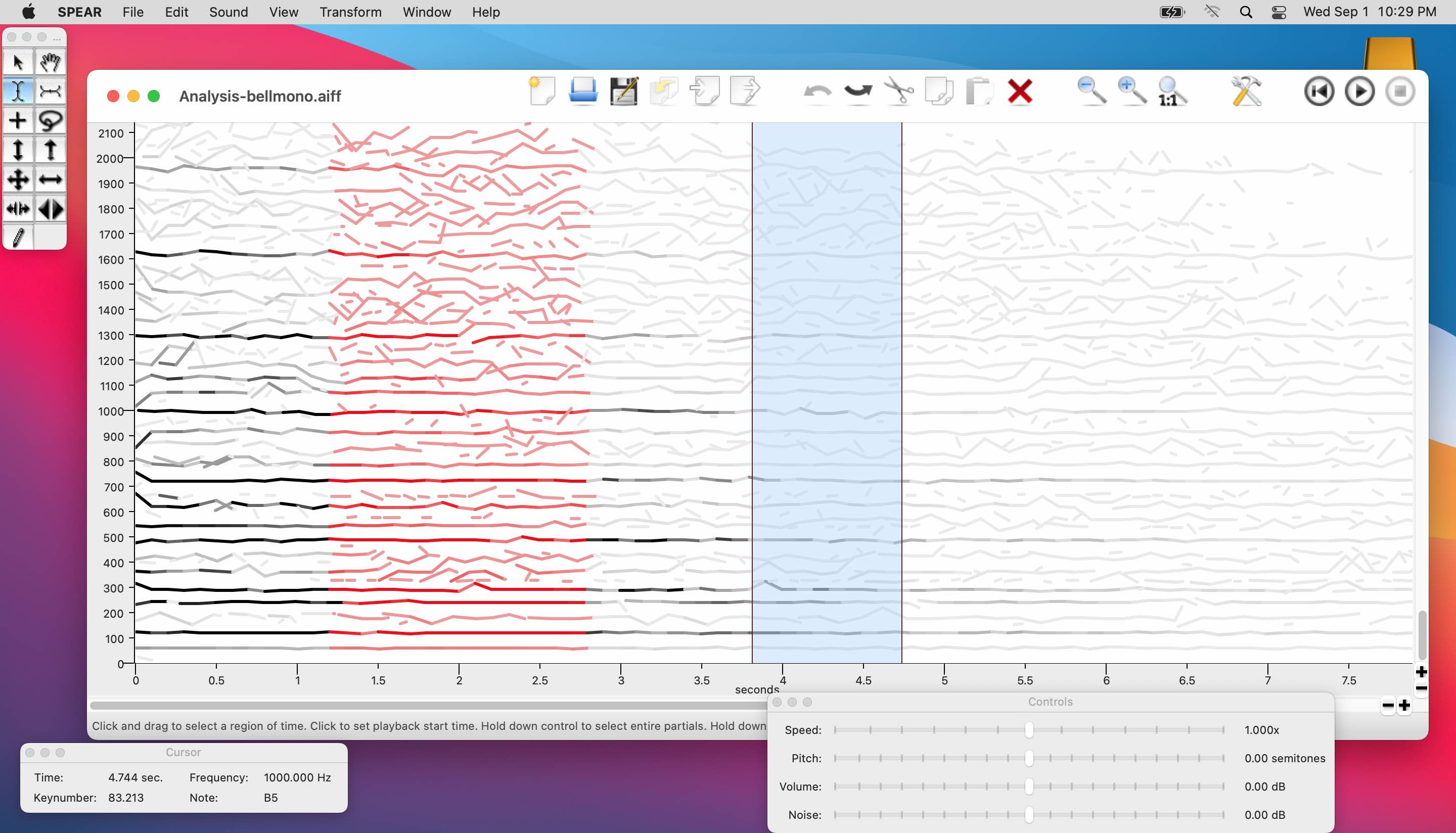
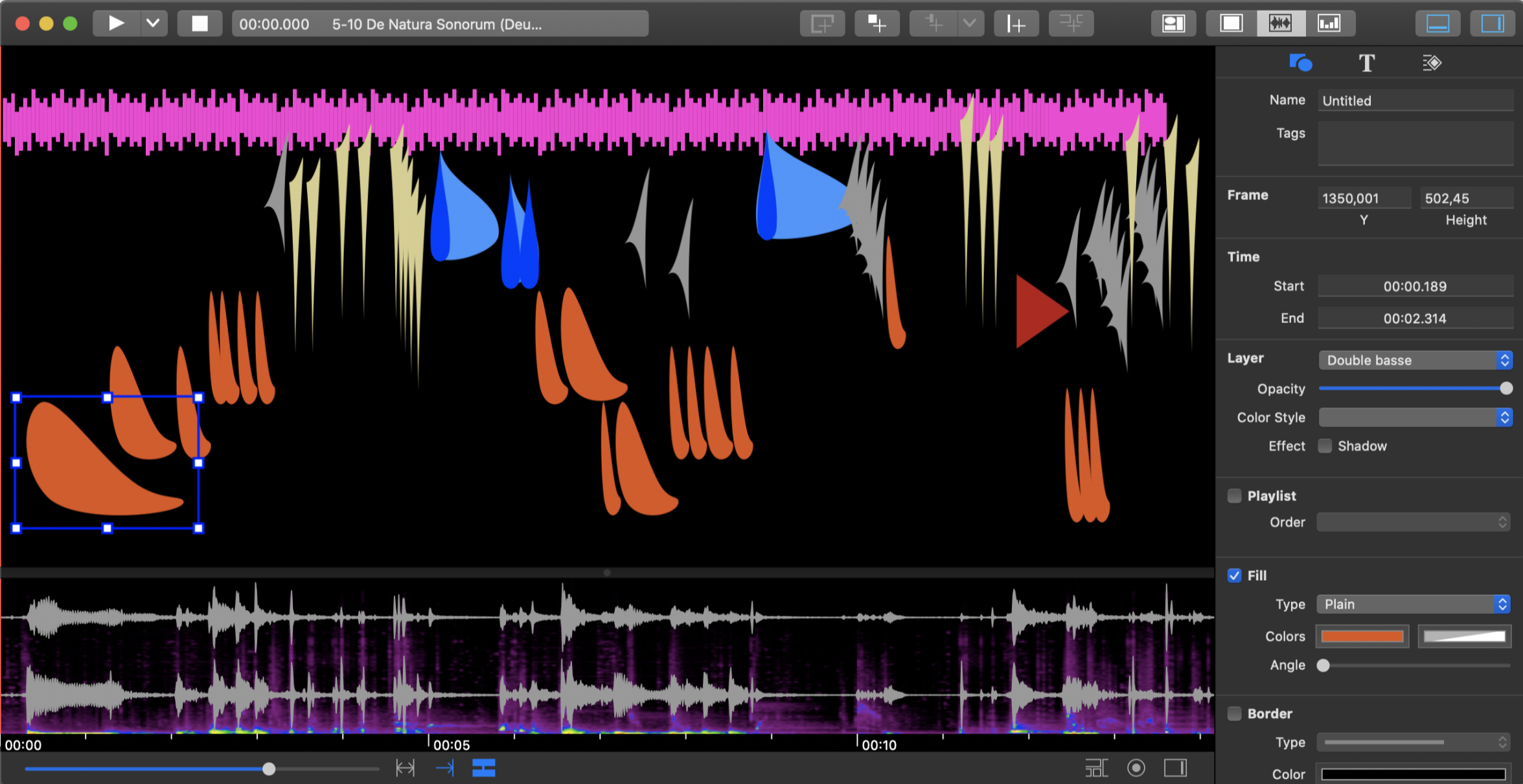
SPEAR is an application for audio analysis/resynthesis. We use SPEAR to “dissect” a sound into its component frequencies and to represent that sound on an interactive spectrographical editor.
-
-
- –>
-
MaxMSP
Download + install the current build from: MaxMSP
Most recent releases should support our work in class, however.
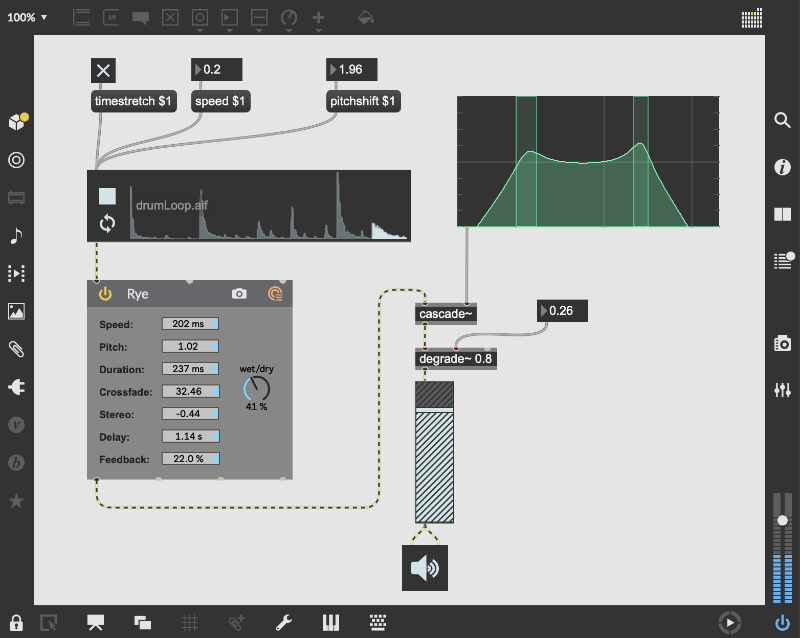
At the time of this publication, all software for the class was tested up to Max version 8.5.2 (c9ba072623d) (x64 mac rosetta) on macOS version 12.3 (Build 21E230) x86_64 Rosetta.
Max Packages + Libraries
To make MaxMSP more useful, we may occasionally install extra software libraries for use with MaxMSP.
At the moment, there are no libraries to install, but we may include a list of them below throughout the semester:
1. bach for computer-assisted composition
2. IRCAM spat~ for multichannel audio spatialization
3. IRCAM Modalys for physical modeling (“modal”) synthesis
4. X for random number generation and distribution
Manual Package Installation
Of the packages listed above, #1 can be installed directly from the Max Package Manager (see description below).
#2 — #4 must be downloaded directly from their websites linked above and then manually installed.
Download and decompress each installer and place its unzipped folder into your Max 8/Packages.
This folder is located at:
/Users/username/Documents/Max 8
Be sure to replace username above with the actual user name on your computer.
Register for the IRCAM Forum
To acquire Max packages #2 and #3 above, you must create a free account on the IRCAM Forum website.
Once you register, you’ll be able to download Modalys and Spat.
These packages are free and will not incure any additional costs.
Using the Max Package Manager
Some packages can be instantly installed through the Max Package Manager, bypassing the need to manually unzip and move any folders into specific locations.
To begin, in MaxMSP go to File > Show Package Manager.
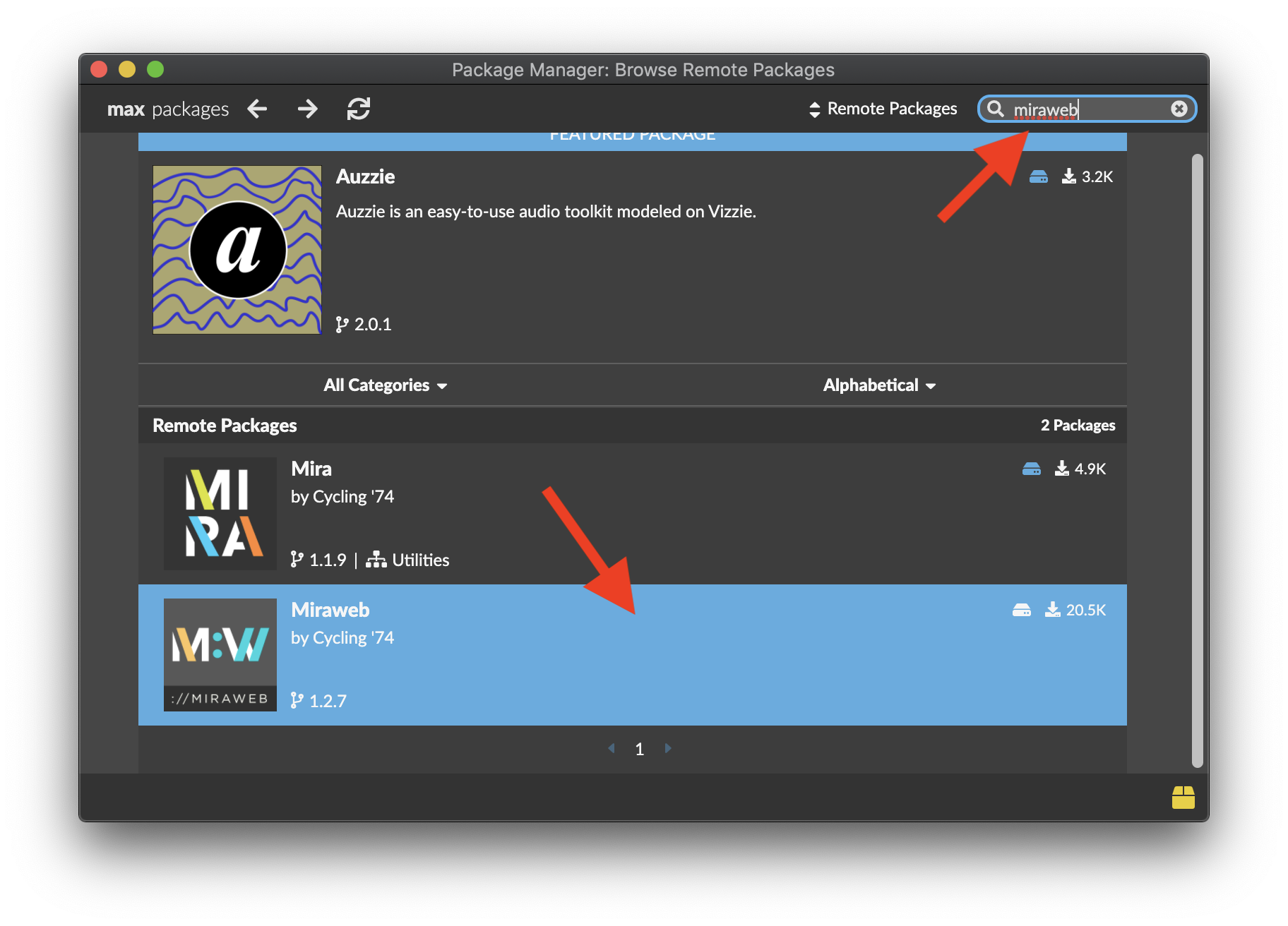
In the Package Manager window that pops up, type the name of a package, e.g., miraweb, in the search bar at the upper-right, and then click the MiraWeb package at the bottom to install:
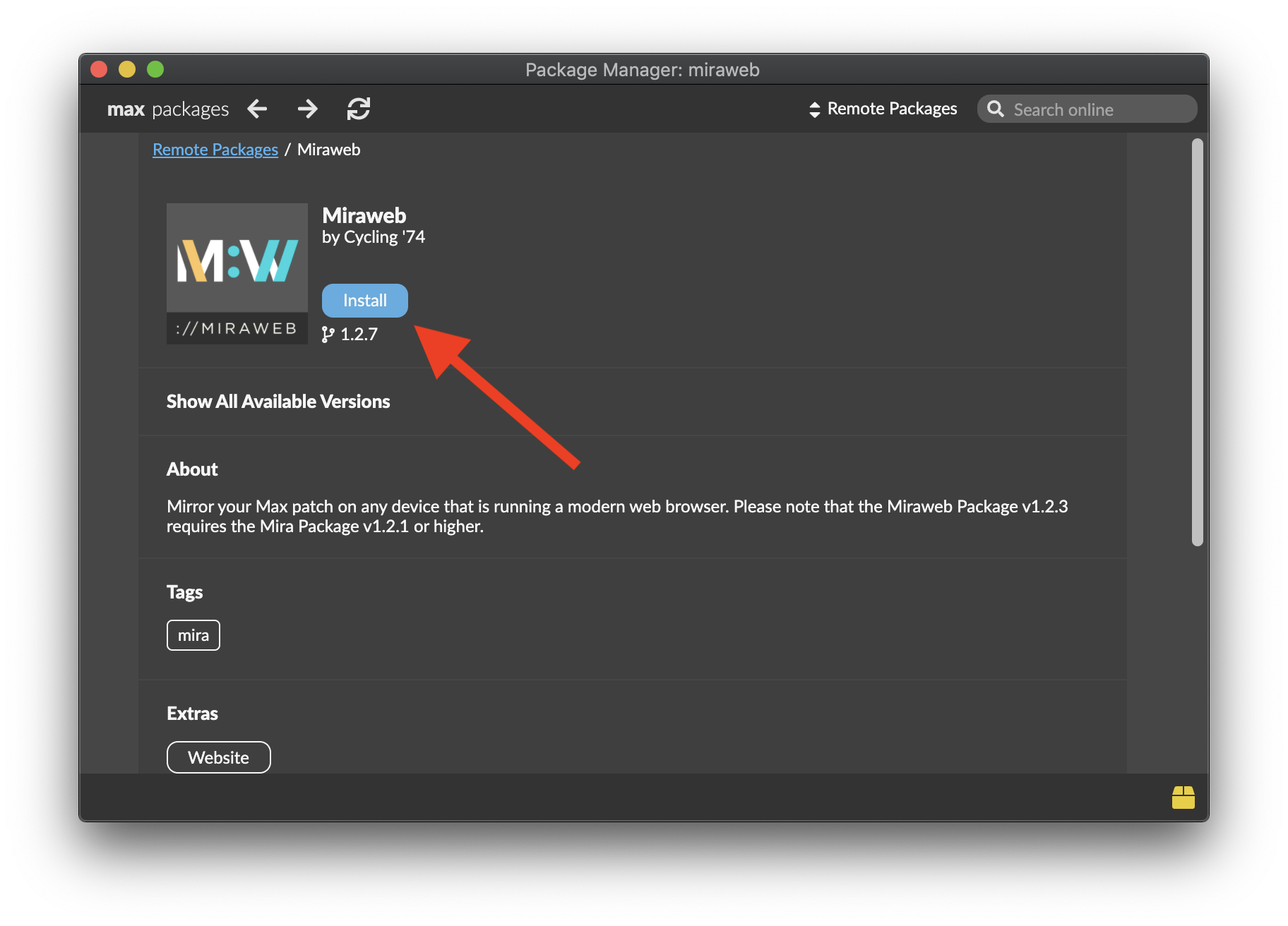
On the next page, click the blue Install button:
When finished, you should see a blue Launch button and a “Successfully installed Miraweb” message:
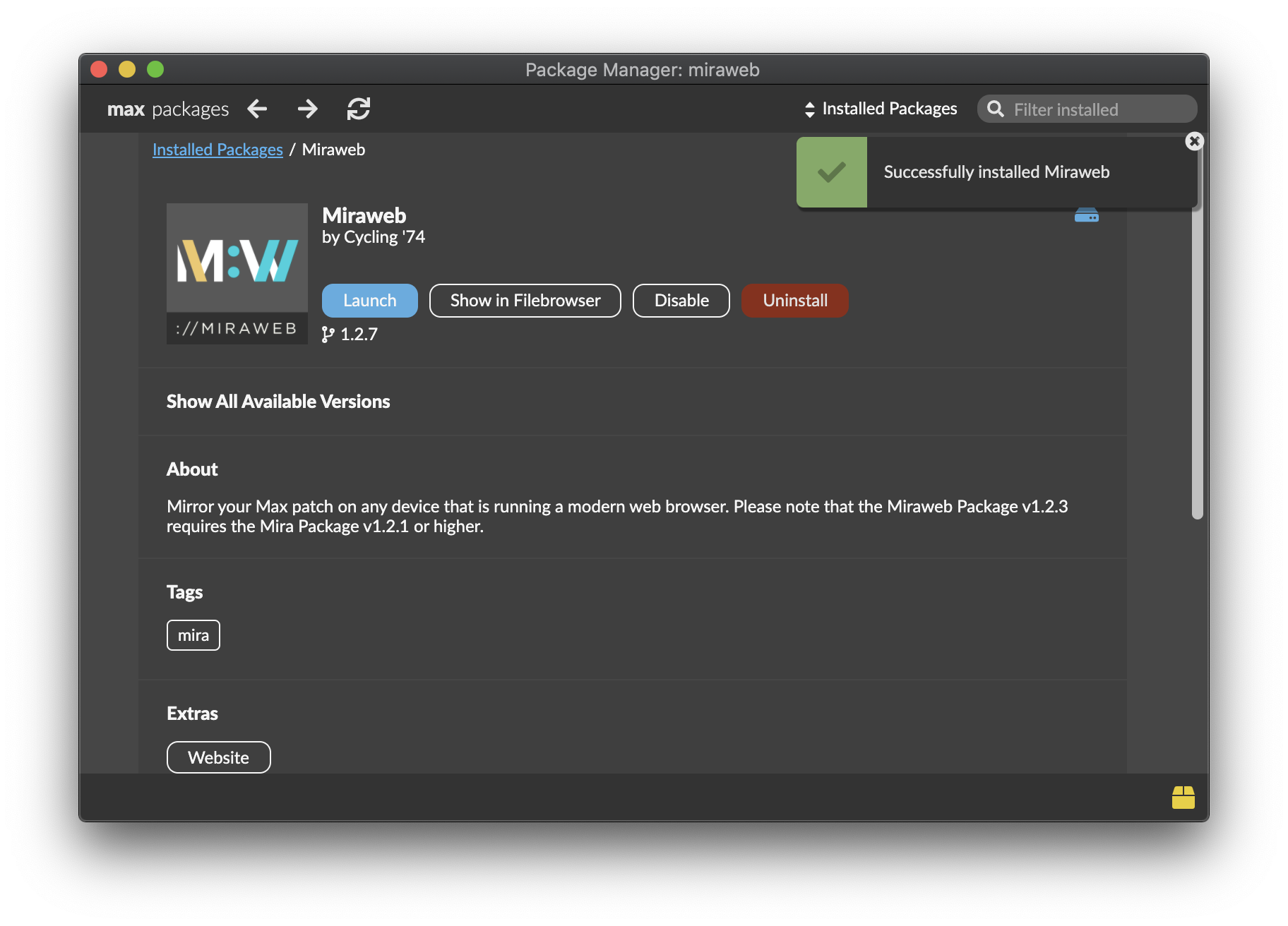
From here, you can simply close the Package Manager window.
Repeat these step to quickly install additional packages.
Windows: Terminal Emulator
If your computer runs a Windows operating system, you’ll need a program that mimics the behavior of the Unix command line.
NOTE: macOS + Linux users can ignore this step!
Install one of these apps:
Of these, the first option (Git Bash) has been the most reliable for my previous students.
Or, check out some alternatives: 15 Best Terminal Emulators for Windows in 2023
Additional + Optional Resources
Software
Text Editor
Highlight your code, easily find & replace, and a LOT more…
Check your operating system for compatibility and install one of these:
Visual Studio Code Sublime Text Espresso Brackets.io
Digital Audio Workstations (DAWs)
MTS-ESP Mini
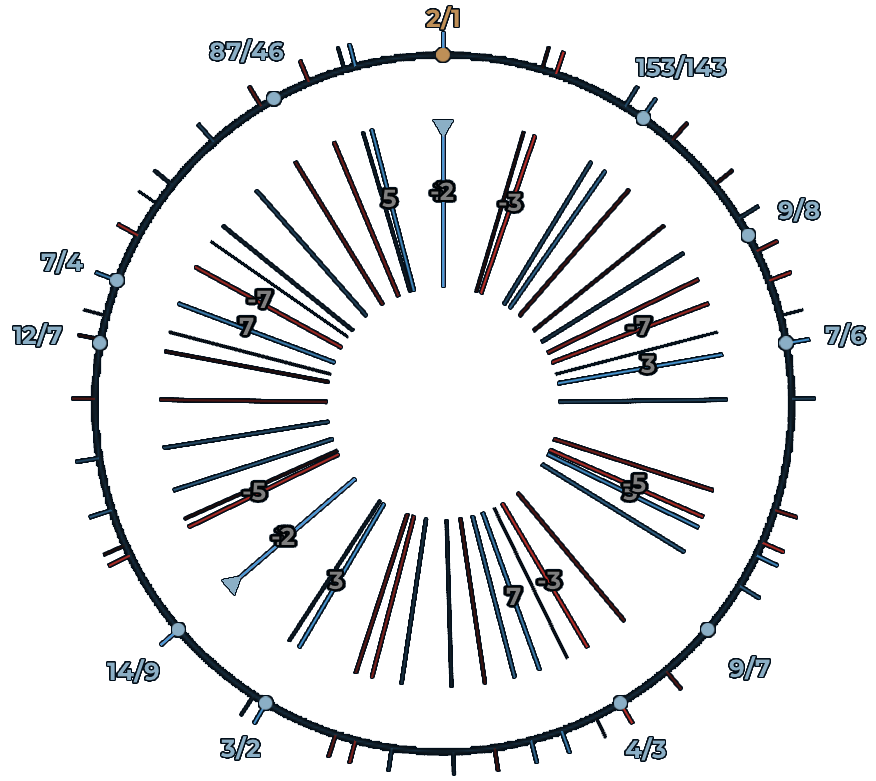
MIDI MTS-ESP (MIDI Tuning Standard – Expanded Scale Protocol) is an extension of the MIDI protocol that lets software share realtime tuning data, making it possible to use microtonal scales across multiple synths and DAWs. The mini version (MTS-ESP Mini) is a lightweight plugin you can load in a DAW project to apply custom tunings to your instruments.
Additional + Optional Resources
File Transfer Services
For sending large files (project folders, sound, video, etc.)
WeTransfer.com SwissTransfer.com
Audio Analysis Tools
Free Sample Libraries
FreeSound.org NASA Audio Collection Natural Sounds Gallery Instrumental Samples
Mobile Apps
Sound Level Meters
There seem to be plenty of options these days, but here’s one I’ve used for awhile:
Decibel X:dB Sound Level Meter
iOS App Store Google Play Store
Field Recording On Your Phone
You can request a Home Recording Kit from the DMS Loaner Pool, but it is even more convenient to record high-quality audio on your phone. 2 apps are listed below.
The challenge with mobile recording apps that don’t require a microphone is this: they use your phone’s built-in microphone, which is usually a very ambient omni-directional microphone. It is therefore crucial that you carefully point your phone towards the sound source you want to record in order to minimize indirect and ambient sound when field recording.
Apogee MetaRecorder (iPhone app) Dolby On (Android app)
Other phone apps are also available. Whichever app you choose, be sure to set the app’s preferences to record at our studio’s standard sampling rate (48kHz) and bit rate (24 bit). Unfortunately, Dolby On may only allow you to record in 16-bit, but you might find another app that can do better. Dolby On also has a lots of great audio editing features.
Apogee MetaRecorder Quickstart Video Guide
Dolby On – Full Walkthrough Tutorial
YouTube Acousmatic Music Playlist
Tutorials
MaxMSP
Max Cookbook MaxMSP User Forum Max 8 Documentation Peter Elsea Tutorials Max Objects Database